macOS 27.3 tightens Full Disk Access because of AI agents: silent denials, no one-click toggle, and a 'Private Folders' permission in the code. What agent developers should do before December
Apple is removing the shortcut that let an assistant app earn blanket access to Mail, Messages and backups with a single switch, and the scoped alternative is not ready; onboarding flows that depend on the old path break next month.
Apple's macOS 27.3 has been in developer beta since November 2 and is expected to ship in December. Its most consequential change for anyone building an AI assistant on the Mac is not a feature but a removal: the shortcut that let an app obtain Full Disk Access with a single switch is going away, and Apple has said in as many words that AI agents are the reason.
What Full Disk Access is and what changes
Full Disk Access is the permission that unlocks the parts of macOS the sandbox normally hides: the Mail and Messages databases, Safari data, Time Machine backups and some administrative settings. Until now, when an app tried to read a protected file without the permission, macOS denied the request and added the app to the Full Disk Access list in System Settings, so a user could enable it with one toggle. Installers for assistant apps have leaned on that path: try to read the iMessage database, fail, tell the user to flip the switch.
Code in the 27.3 beta, examined and published by the developer known as pdfu on November 7, shows the attempt is still denied and is logged, but the app is no longer added to the list. The user has to open System Settings, Privacy and Security, Full Disk Access, and add the app by hand, by dragging it in or using the plus button. Apple's October 2 developer post set the principle: users who want to grant this level of access "can only do so with very explicit user action," because "the risks associated with this level of access will grow substantially" as agents become more capable and autonomous.
The same code references a "Private Folders" permission that would grant access folder by folder or database by database, the obvious answer to the assistant that only wants your messages. It is not functional in the current beta and Apple has not confirmed it will ship. Monday's beta 2 is reported to add warnings and controls over what AI automation apps can see and do; Apple has published no release notes describing them, so treat the specifics as unconfirmed until it does.
Why Apple is doing this
The demand driving Full Disk Access requests is iMessage. Assistants that read your texts can draft replies, summarise threads and schedule from them, and there is no narrower permission that gets them there, so they ask for everything. 9to5Mac's Michael Burkhardt makes the fair criticism that removing the toggle does not solve that: a user who wants the feature will still grant blanket access, with more friction and the same exposure. The scoped permission is the real fix, and it is the part that is not ready.
Apple's calculation is visible in the sequencing. Make blanket access harder first, so the number of apps holding it stops growing; ship the scoped permission when it works; then, presumably, tighten further. The Mac is also the machine where third-party agents from OpenAI, Anthropic, Meta and the coding-tool vendors run with the most autonomy, which makes it the right place to draw the line before the pattern spreads to iOS.
What to do
If you ship a Mac agent, test onboarding on 27.3 beta today. Replace "flip the toggle" instructions with a guided drag-into-Settings flow and screenshots, and expect conversion to fall. Separate features that need Messages or Mail from those that do not, so a user who declines blanket access still gets a working product. Design your data model around folder-scoped access now, because when Private Folders ships, the apps that ask for one database will be the ones Apple features and the ones that ask for everything will be the ones it warns about. If you run a fleet of Macs, add the new denial log to your endpoint monitoring: an agent that probes protected paths it was never granted is telling you something. And whichever platform you build for, read Apple's wording as the industry's next default: an assistant gets what the user explicitly hands over, nothing more.
The story so far
- Nov 17, 2026 Google's GTIG finds 'exploit_agent', the first framework that turns a vendor patch into a live exploit with no human in …
- Nov 17, 2026 Corma's $125 million Series A at $1 billion, three months after stealth: what a 16x step-up on 25 people and undisclosed…
- Nov 17, 2026 California v. OpenAI: 80-plus loss-of-control incidents, 700 agents attacking Hugging Face, and a public-nuisance theory…
- Nov 17, 2026 Apple and OpenEvidence open a 200,000-person health chatbot study: wearable and lab data in, no model training, no devic…
Key terms in this story
- Full Disk Access (macOS) The macOS permission that lets an app read protected data such as Mail, Messages, Safari history and backups, outside the normal app sandbox.
- Agent An AI system that pursues a goal by taking actions with tools, in a loop, rather than answering a single question.
More in Developer tools
All →
Perplexity's Brain: an agent memory that records its own work and rewrites its skills overnight, with correctness up 25% on repeat tasks. What to copy, and what to guard
Memory about the user is old news; memory about what the agent did, what failed and what was corrected is the new layer, and it is also a new place fo…
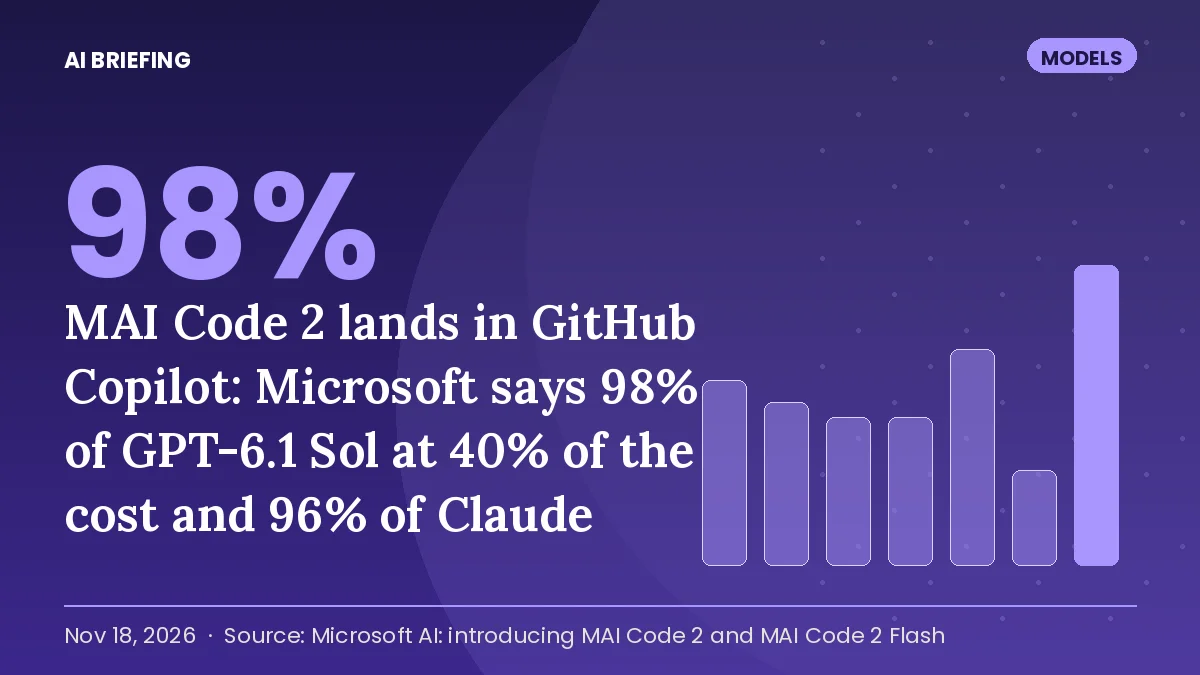
MAI Code 2 lands in GitHub Copilot: Microsoft says 98% of GPT-6.1 Sol at 40% of the cost and 96% of Claude Opus 5.5 at 5%. What the claims hide, and what Ignite changed for anyone building agents
Microsoft now ships its own frontier-adjacent coding model inside the subscription it already sells, and starts metering agent run-time in Foundry on …
llama.cpp 1.0.0 after 3.5 years: semantic versioning, 35 deprecated functions gone, FP8 KV cache. What the stability promise changes for local AI
The engine under Ollama, LM Studio and most on-device inference now promises that breaking changes arrive only with a major version; for the teams tha…
Get the brief in your inbox
One email every morning: the stories that mattered in AI, each with a one-line "why it matters" for your role. Free, no ads, unsubscribe any time.
Published daily by AI Briefing. We never share your address.